
Documents›Ad Network
Ad Network
Micropixel Media's advertising network: advertisers, campaigns, creative approvals, network screens at host businesses, host logins with their own capped airtime, automatic scheduling and proof-of-play reports.
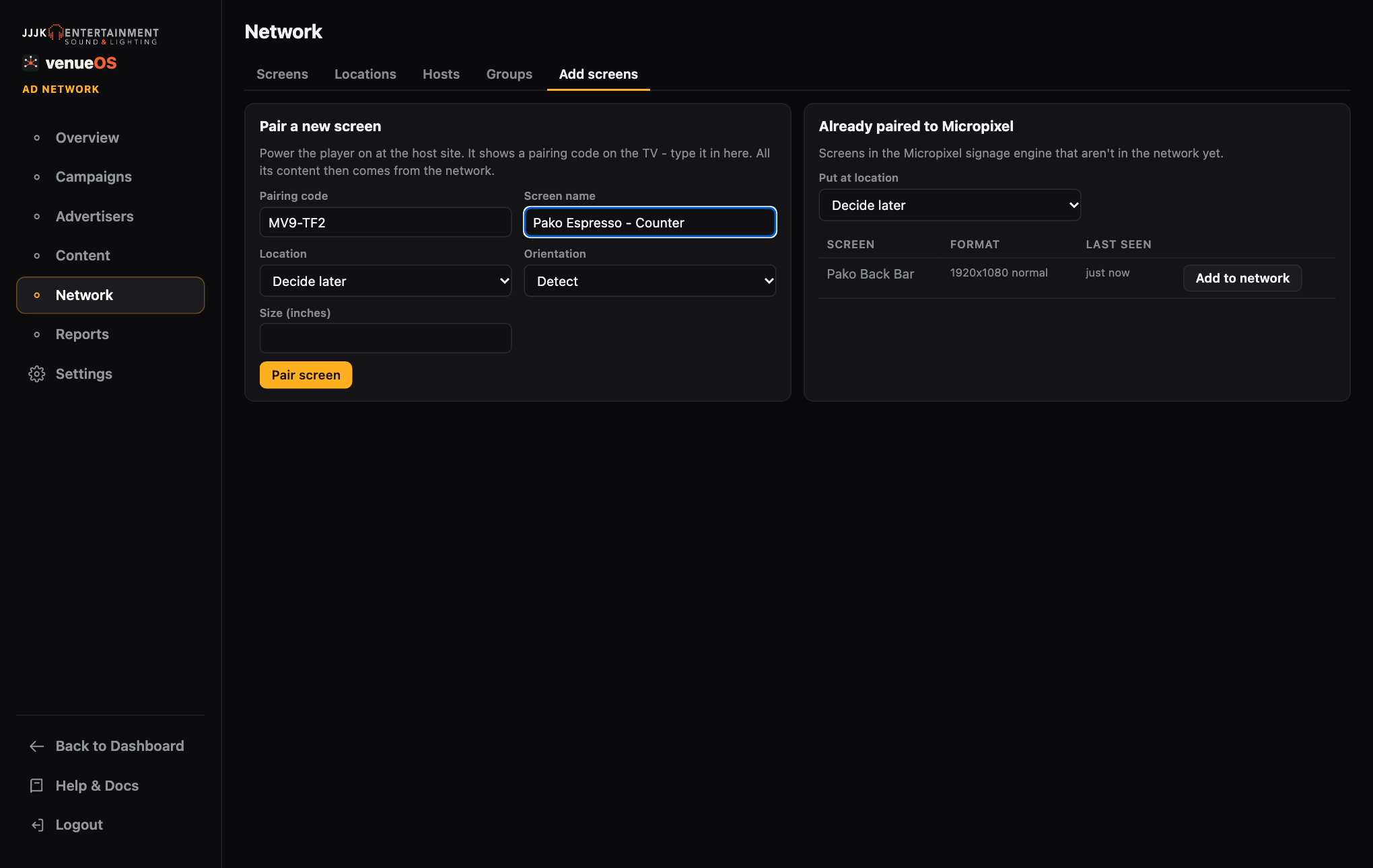
Set Up the Network
Hosts, locations, screens and groups.
5 steps
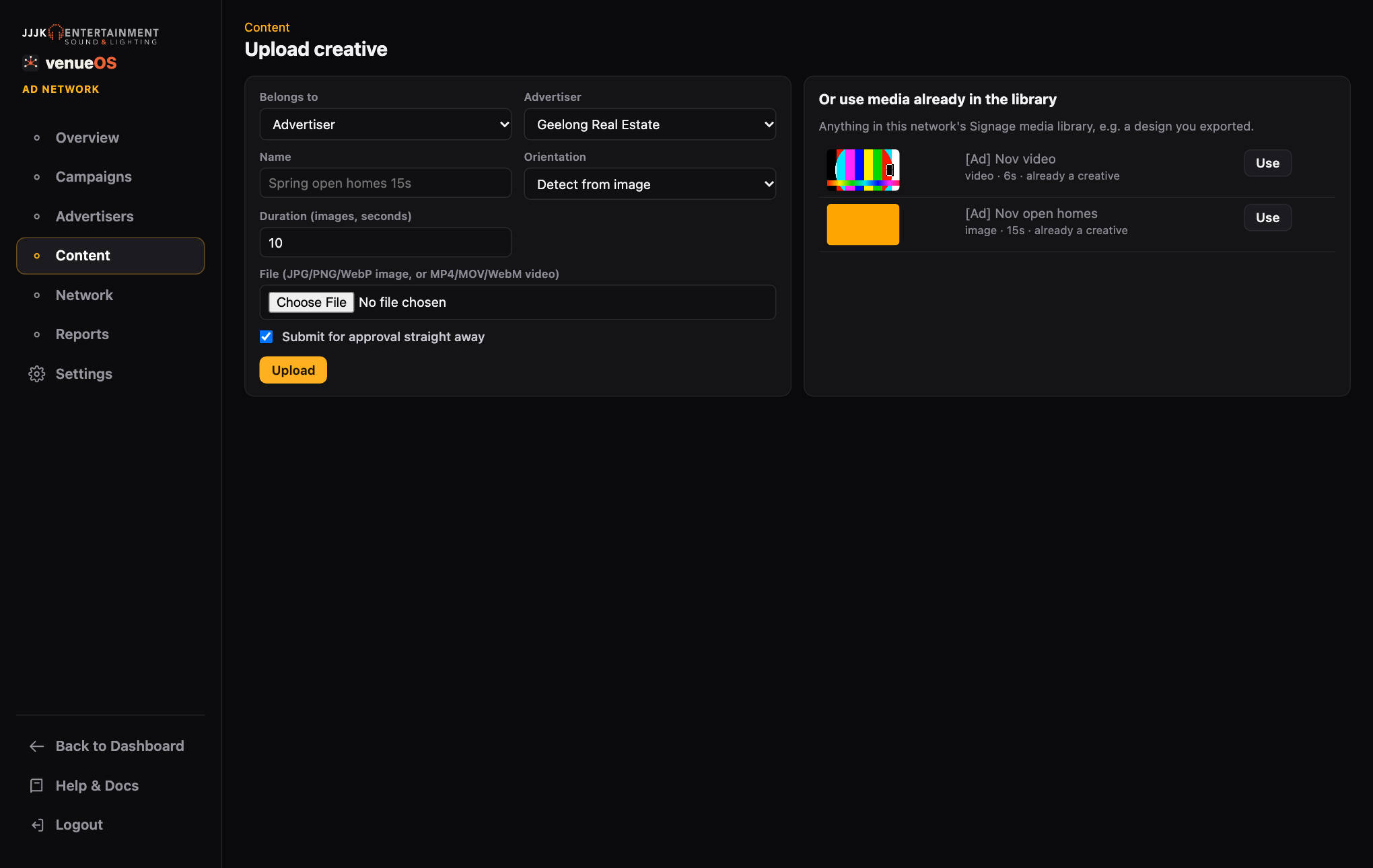
Advertisers & Content
Customer profiles, uploads and approvals.
4 steps
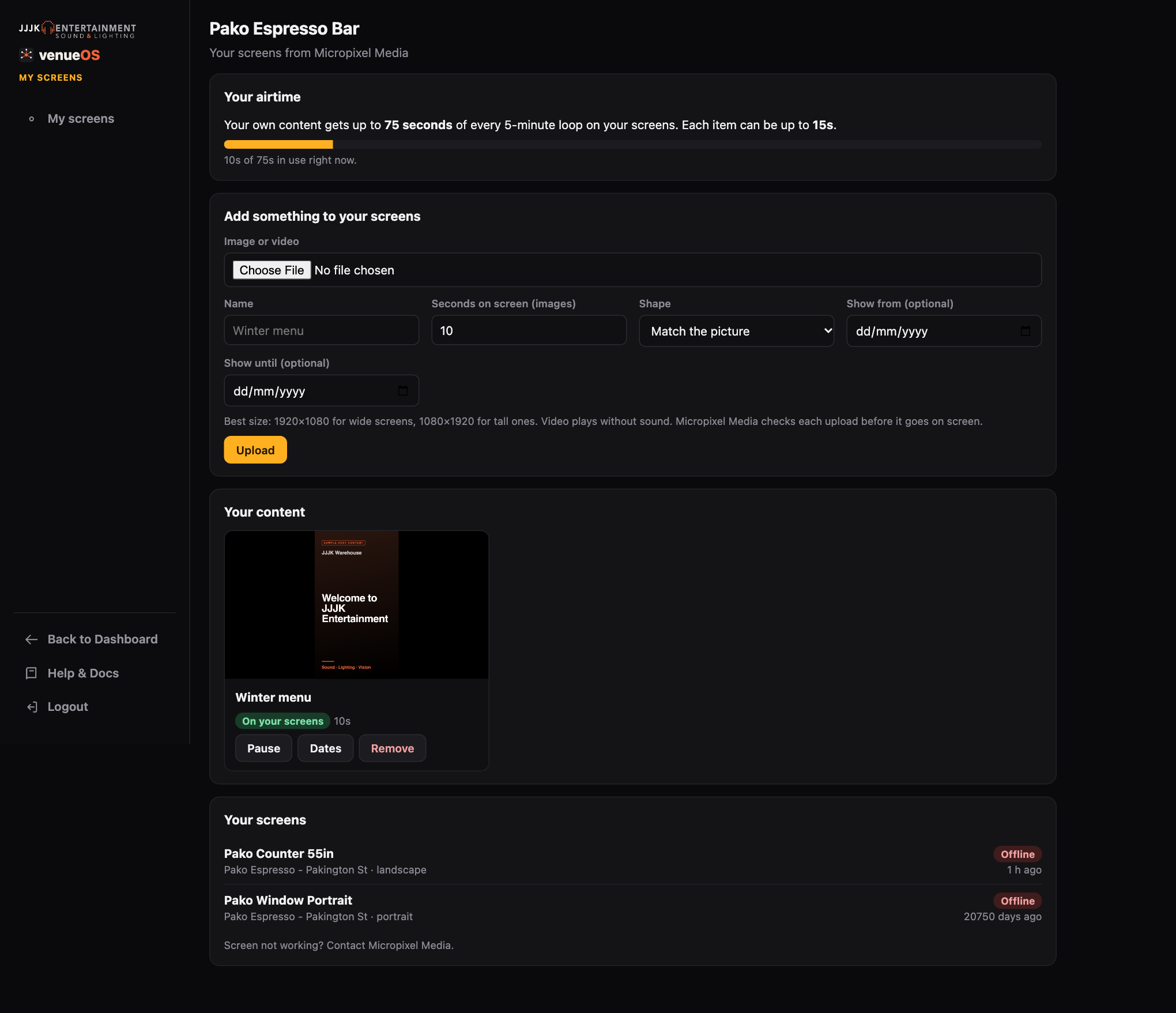
Host Logins & Host Content
Let a host put their own content on their screen - within limits.
4 steps
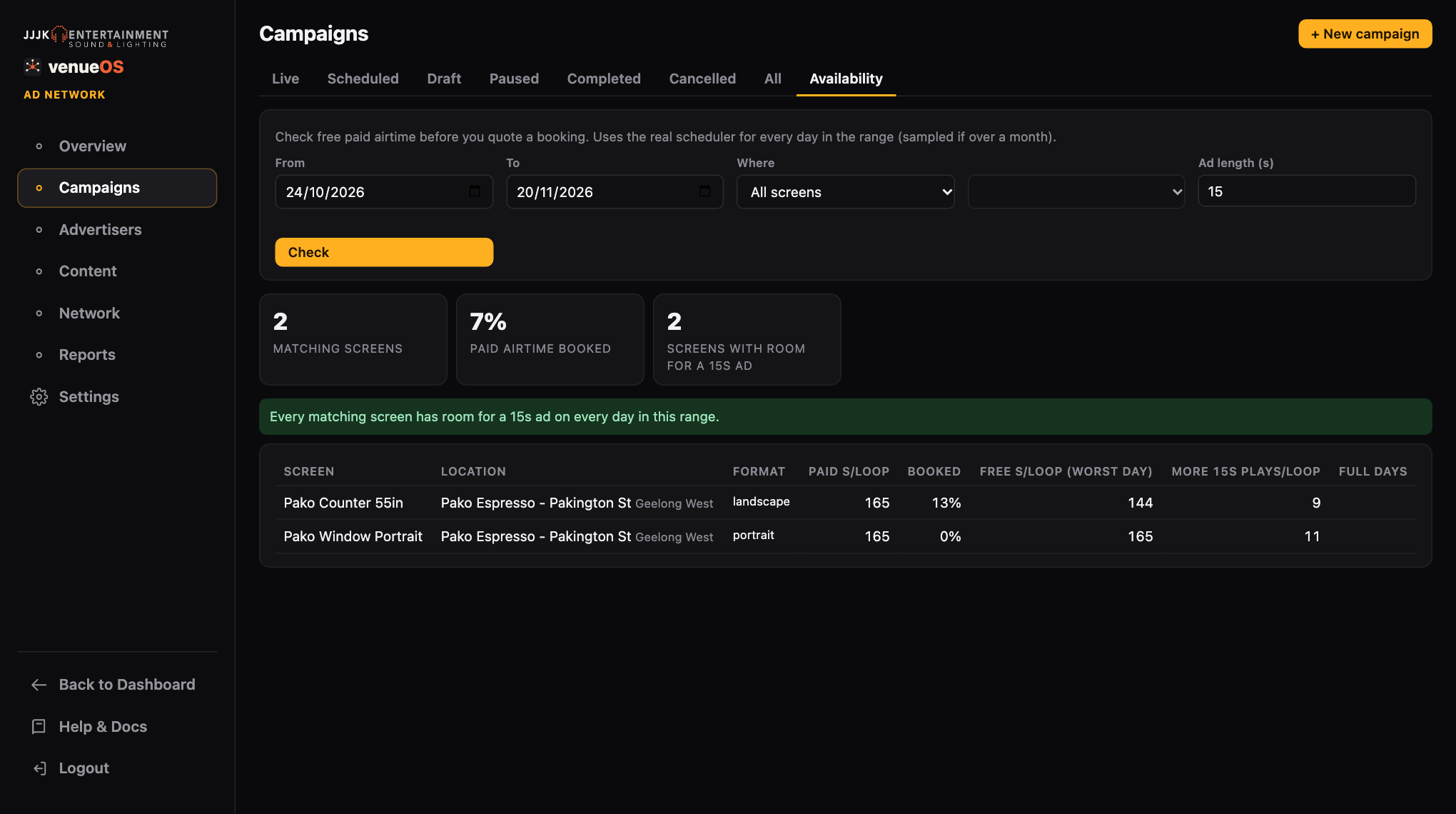
Campaigns
Book airtime, target screens, run it.
10 steps
How Playback Works
The loop, the split and the venue's own content.
6 steps
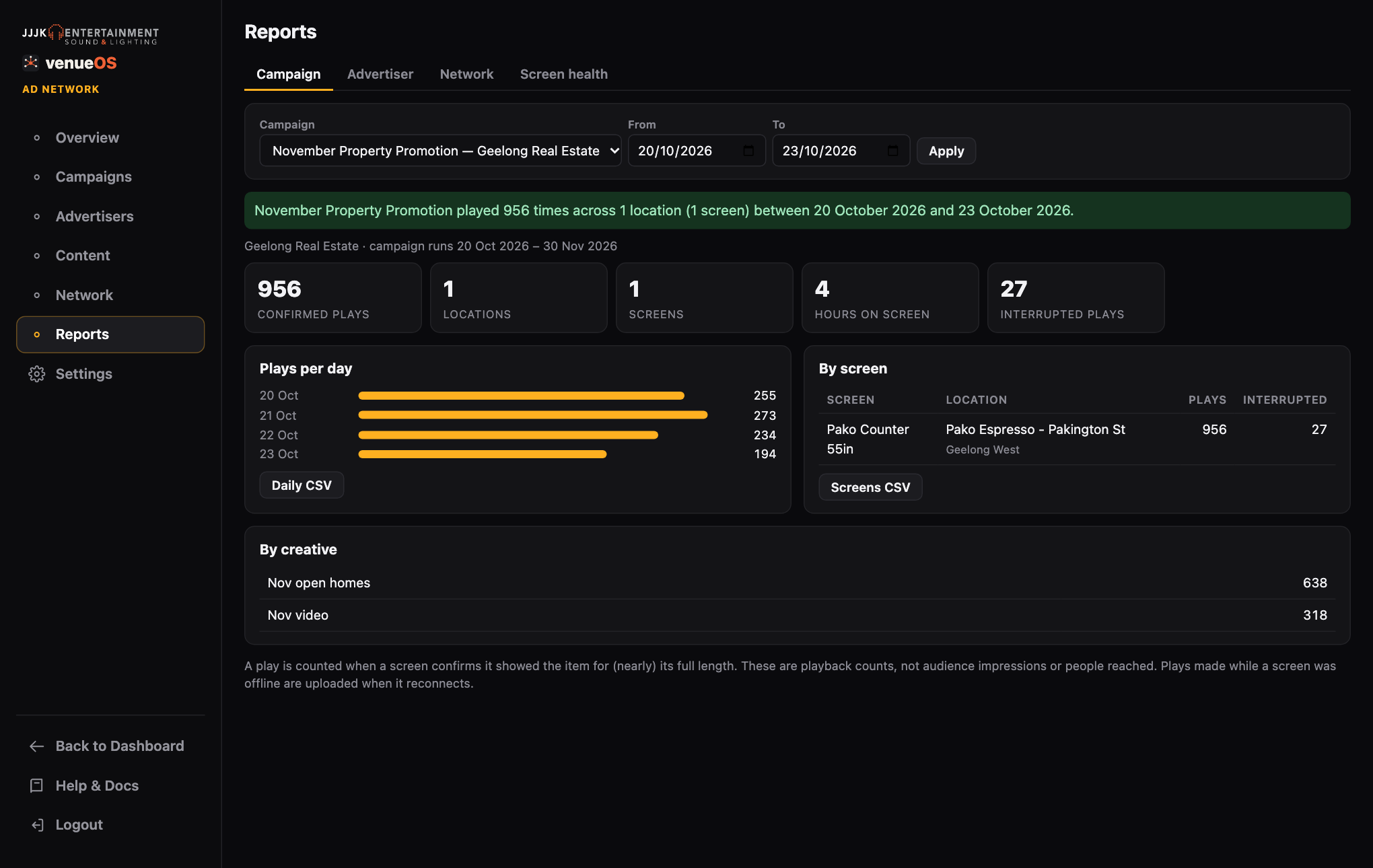
Reports & Proof of Play
What you tell advertisers.
3 steps
Social Posting
Schedule Facebook and Instagram posts from Ad Network.
4 steps
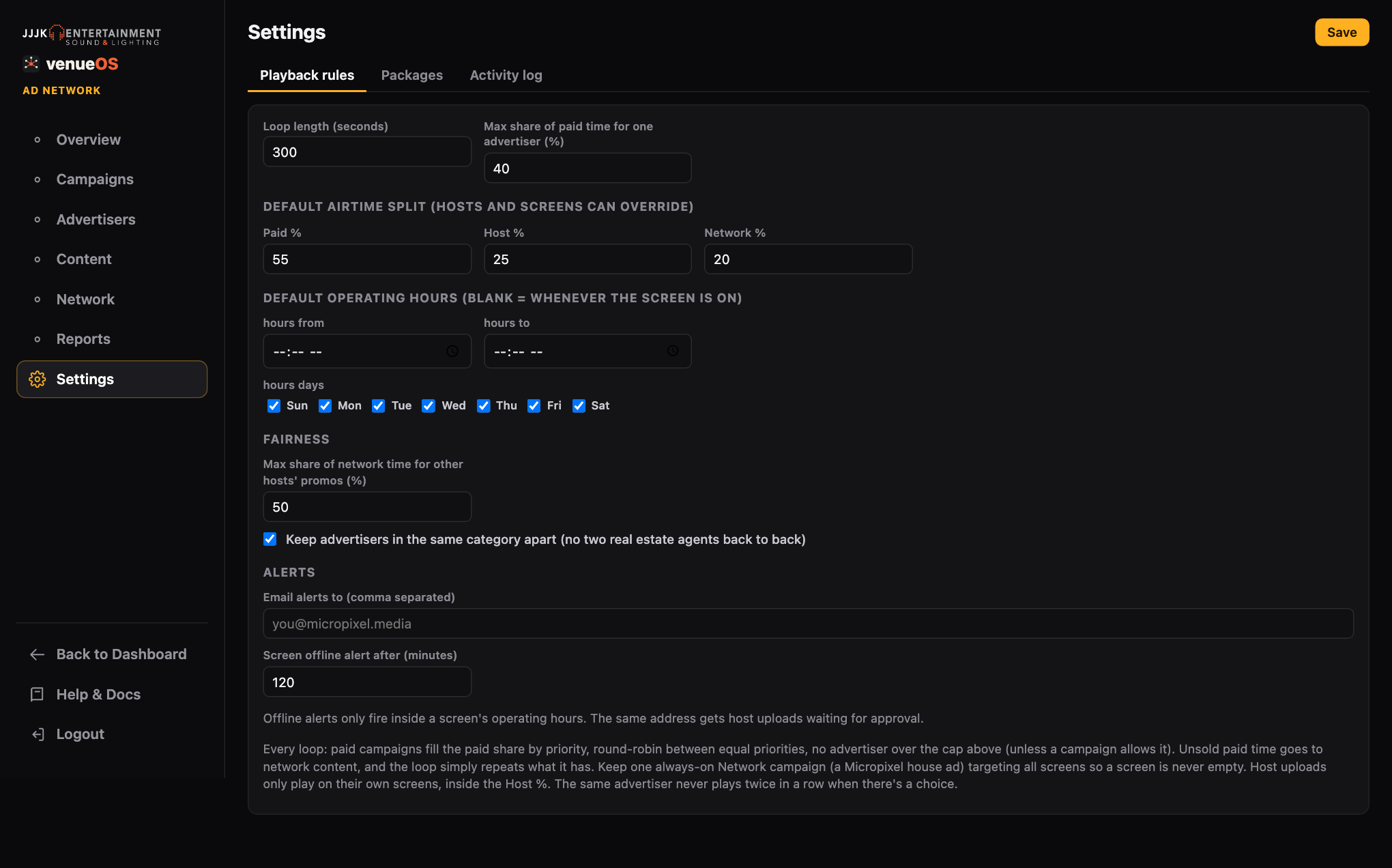
Alerts & Settings
Offline emails, approval emails and the playback rules.
3 steps
Good to know
- Upload both orientations. If the network has portrait screens, give each campaign a 9:16 version too, or those screens skip it.
- Keep ads short. 10-15 seconds works best in a 5-minute loop.
- Check before you book. The campaign's Where it plays now table previews every matching screen even before it's live.
Where to find it
Still stuck?Send us a ticket and the JJJK team will get back to you.
Submit a ticket