
Campaigns
Book airtime, target screens, run it.
Check availability first
Campaigns→Availability. Pick the dates, where (all screens, a group, location, region or category) and the ad length. It shows how much paid airtime is already booked on each screen and how many more plays fit — check this before you quote.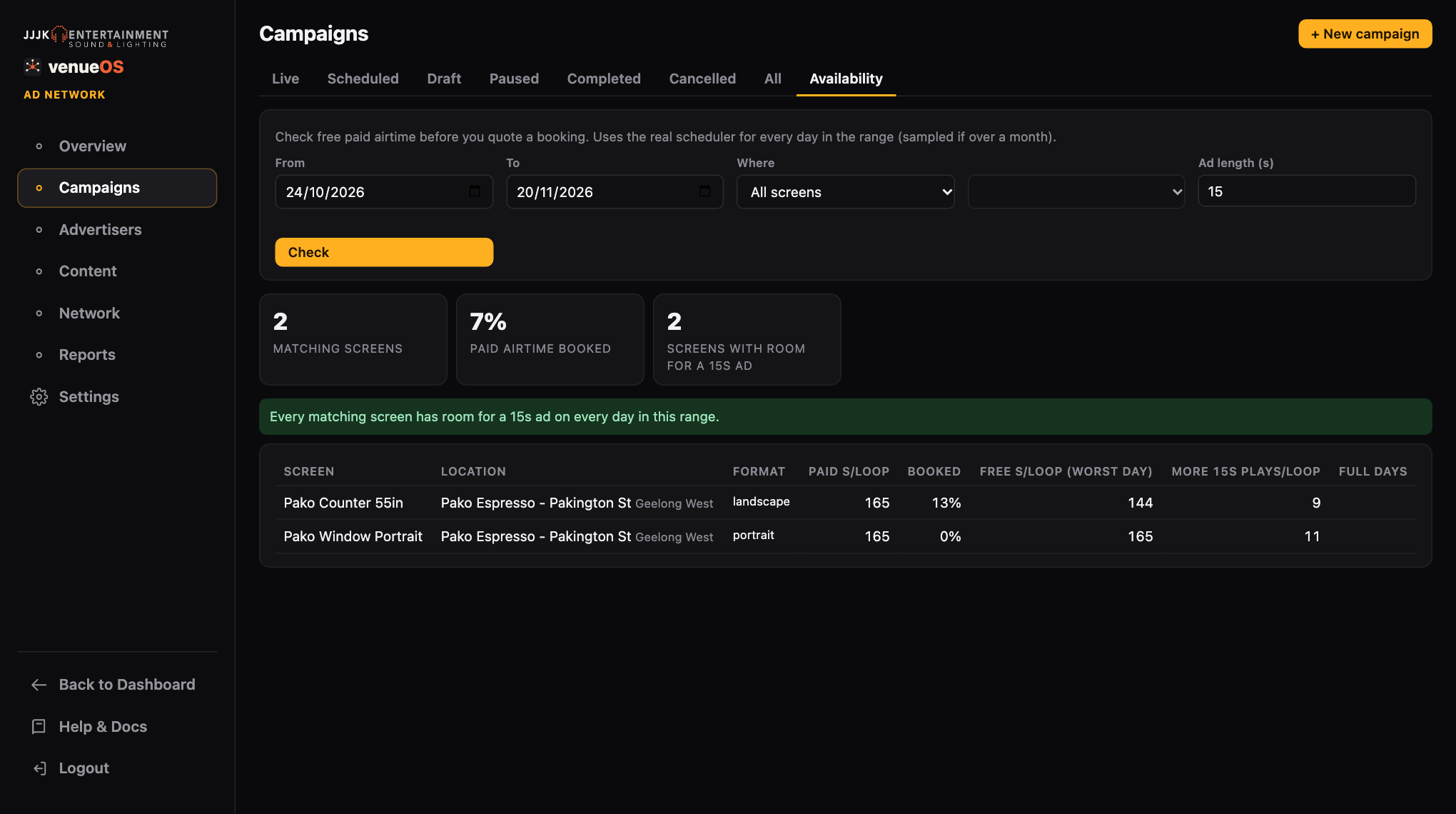
Free paid airtime per screen for the dates you're quoting. New campaign
Campaigns→+ New campaign. Choose the type: Paid (an advertiser), Host promo (complimentary content for a host) or Network (house, community or fallback content). Set the name and start and end dates.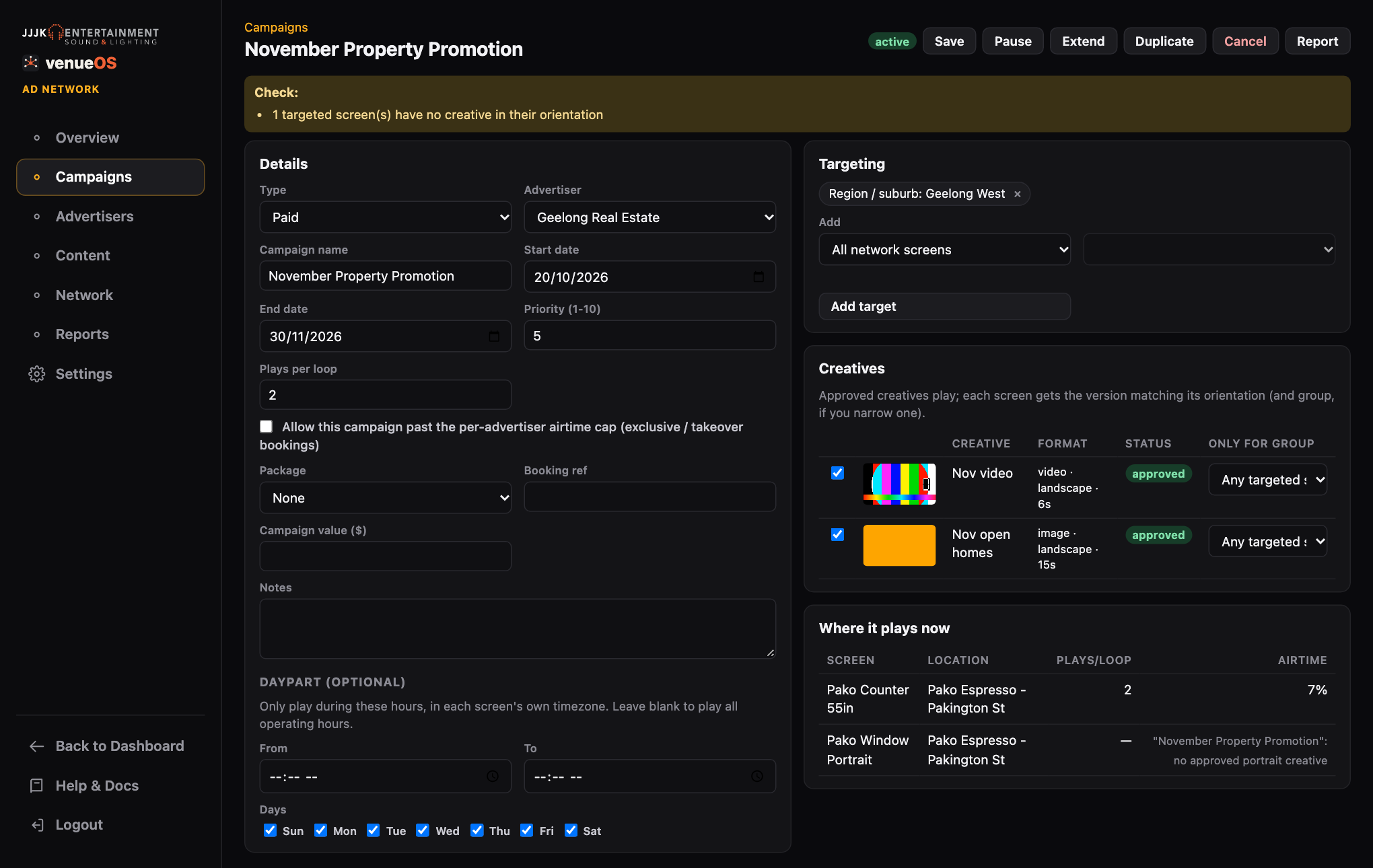
A campaign: details, targeting, creatives and where it's playing. Use a package
Pick a
Packageand clickApply packageto fill in its targets, campaign length, plays per loop and price. Set packages up inSettings→Packages(e.g. Geelong-wide, 1 month, $450). You can still change anything afterwards.Targeting
Add any mix of: all network screens, a group, a single screen, a location, a region or suburb, or a venue category. A screen matching any target is included.
Creatives
Tick the creatives to use. Use
Only for groupto play a different version in one group (e.g. a Surf Coast version).Priority and plays per loop
Plays per loopis how often it appears in each screen's loop. When paid airtime is oversold, higherPrioritycampaigns get in first. Tick Allow past the per-advertiser cap only for exclusive or takeover bookings.Daypart (optional)
Only play between set times on set days, in each screen's own timezone. For example, a breakfast offer 7–10am.
Validate & book
Validate & bookchecks for missing or unapproved creatives, bad dates, no matching screens and orientation gaps. Booked campaigns go live on their start date and stop after their end date by themselves.Change it later
Pause/Resume,Extend(new end date),Duplicate(copies as a draft) andCancel. Screens pick up changes within a minute.Is it delivering?
Once live, the campaign shows Delivery: confirmed plays against roughly what it should have had for the time its screens were online. The Overview lists any live campaign under 80% for the last 7 days, so you can check its screens before the advertiser notices.