
Administrators
Alerts & Settings
Offline emails, approval emails and the playback rules.
Turn on email alerts
Settings→Playback rules→Email alerts to. Add one or more addresses. You'll get an email when a screen with advertising on has been offline longer than the time you set (2 hours by default) — only inside its operating hours, so a café that's closed doesn't trigger one — and another when it's back.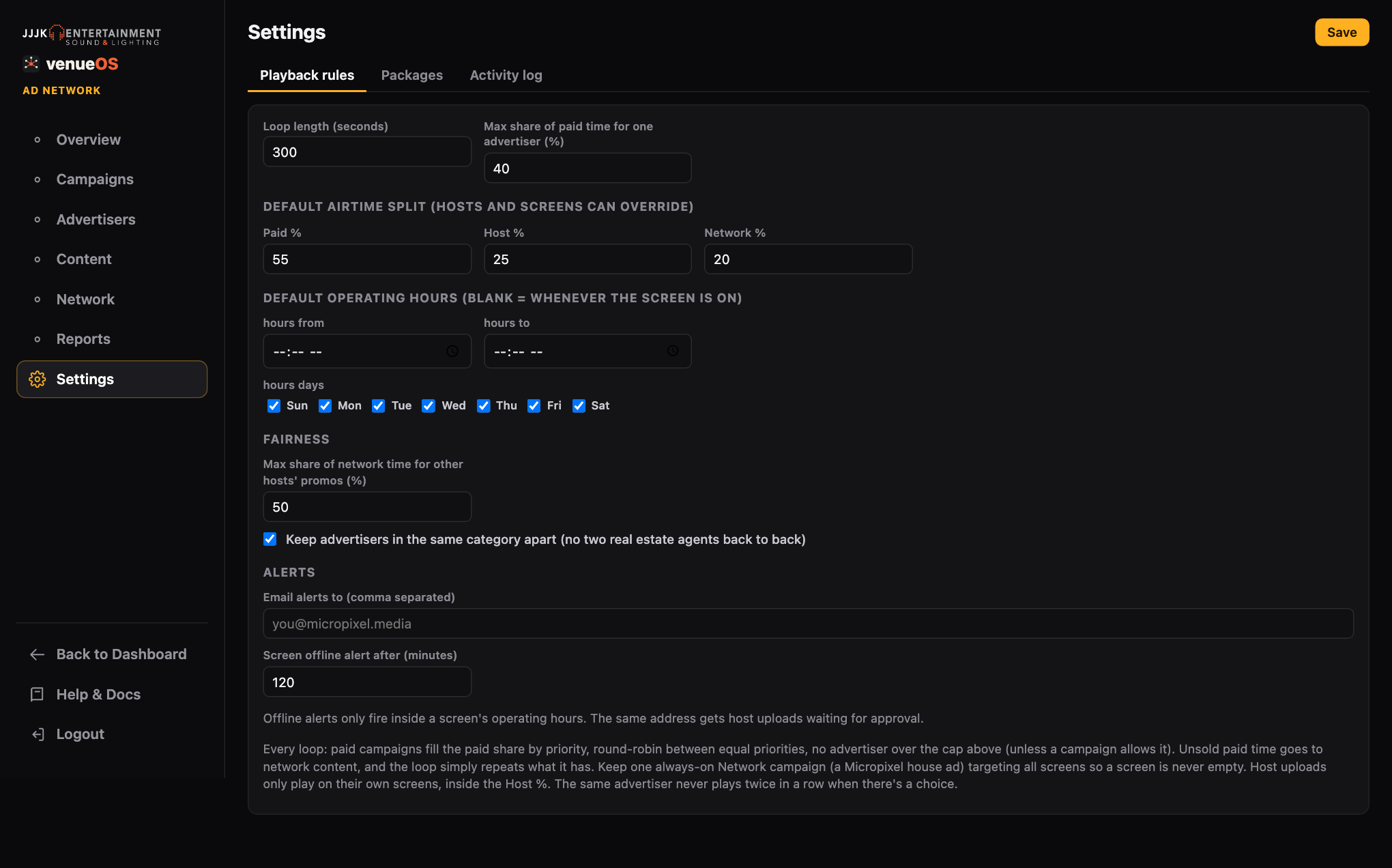
Playback rules, fairness and alerts. Host uploads to review
The same addresses get an email whenever a host uploads something that needs approval. The host gets an email when it's approved, or not approved with your reason.
Hosts see their numbers
A host's page shows how many times their content has played this month.
Still stuck?Send us a ticket and the JJJK team will get back to you.
Submit a ticket