
Host Logins & Host Content
Let a host put their own content on their screen - within limits.
Set the host's limits
On the host, set the
Host %of the airtime split (their share of every loop) andMax length per item. Tick Approve this host's uploads automatically if you trust them; otherwise uploads wait inContent→Waiting for approval.Send a login invite
Under
Host logins, enter their name and email and clickSend login invite. They get an email to set a password. The login can only open the host page for their own business - no campaigns, advertisers, other hosts or Signage.What the host sees
Their airtime (e.g. up to 75 seconds of every 5-minute loop), an upload box, their content with its status, and whether each of their screens is online. They can pause, date or remove their own items.
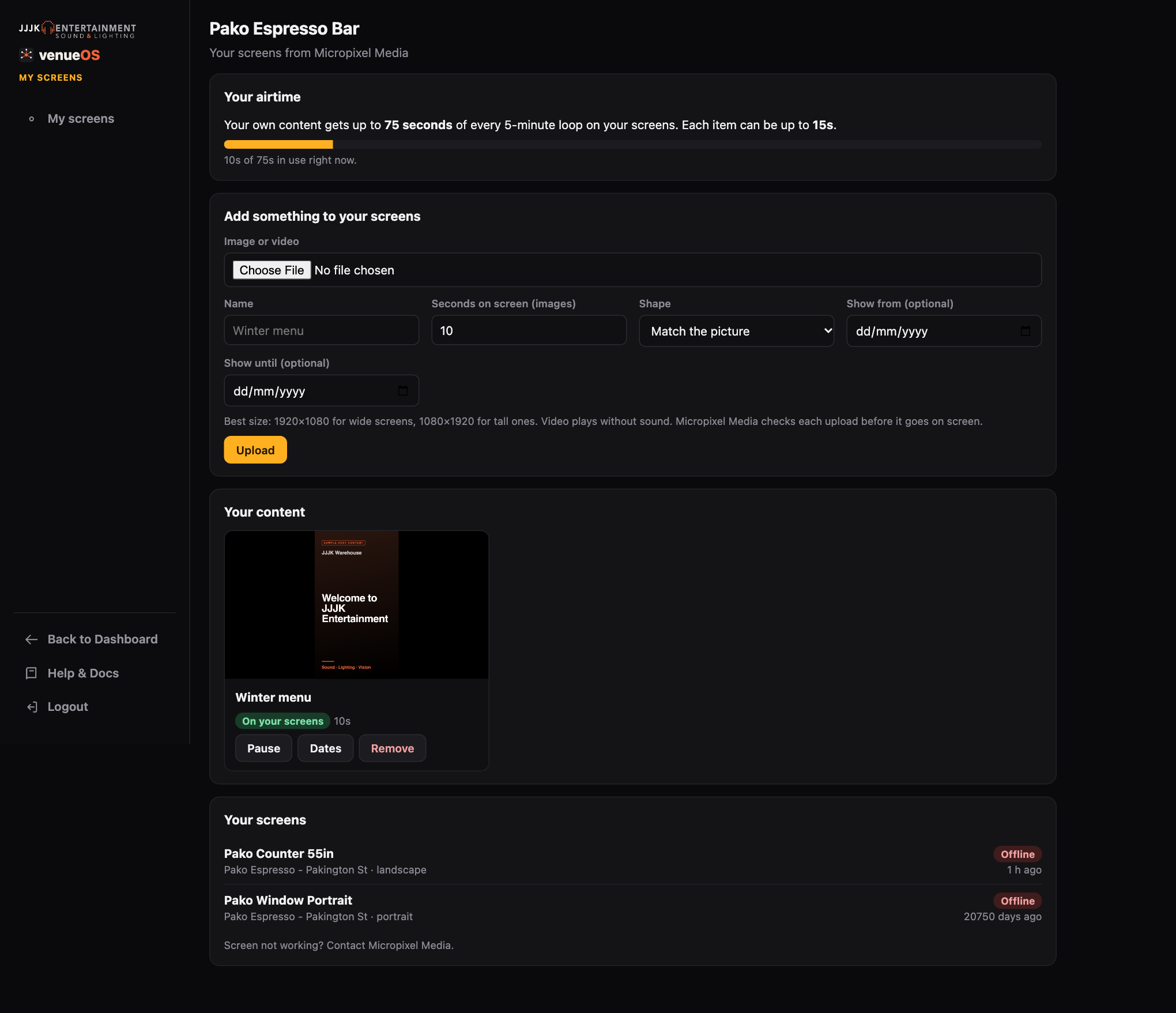
The host's own page. Or upload it for them
In
Content→+ Upload creative, choose Host as the owner. Approved host content plays only on that host's own screens, inside their Host %, with each item once per loop. Extra items take turns hour by hour.